
For a brand-new cooler, no — you almost never need to buy thermal paste separately. Every all-in-one liquid cooler ships with paste already pre-applied to the cold plate, and most aftermarket air coolers include either a small tube in the box or a pre-applied layer on the base. The stock coolers that come with boxed AMD and Intel CPUs are pre-pasted too. Open the box, peel any plastic film off the cold plate if there is one, mount it, and you are done.
The question comes up because paste is sold as its own product on every shelf, so it looks mandatory. It becomes mandatory in exactly one situation: the moment you unmount a cooler that has already been used. Once you lift a heatsink, the paste underneath has cured into that specific gap and needs to be cleaned off and replaced. That is a reseat, not a new build — and it is the only common reason a first-time builder ends up needing a tube.
What ships with the cooler, and how to check
There are two ways a cooler arrives with paste, and both count as "already done":
- Pre-applied on the cold plate. Standard on AIOs and on many budget air coolers. It shows up as a grey rectangle or a set of stripes on the copper base, often under a small plastic protector. Peel the protector, mount, done — do not add more on top.
- A tube in the box. Common on tower air coolers, where the maker assumes you may want to position the cooler yourself. You apply the paste; the tube is usually enough for one or two mounts.
If you are not sure which you are getting, read the cooler's spec sheet or manual before you buy paste. The listing will say "pre-applied thermal compound" or include a thermal paste tube in the accessories.
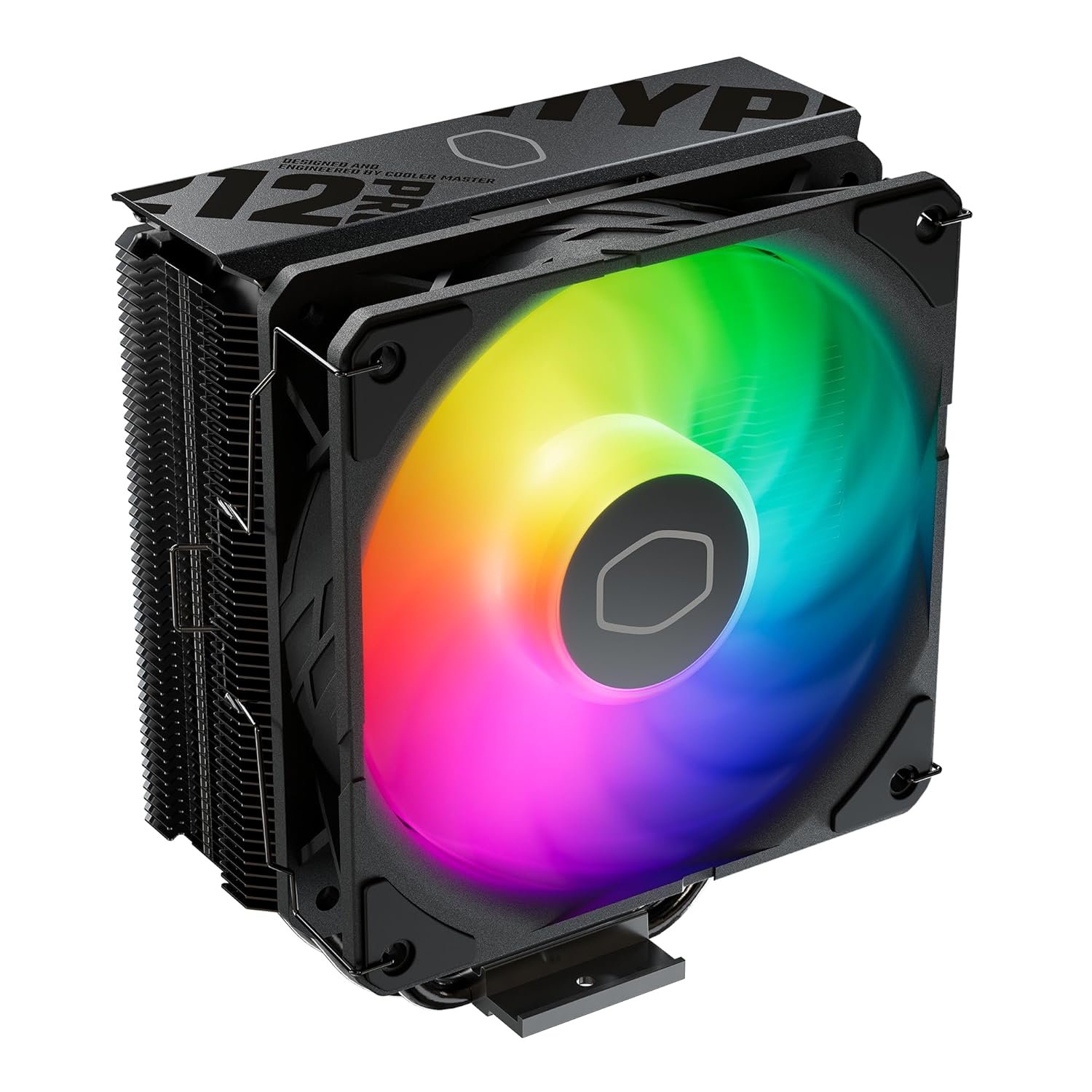
The Cooler Master Hyper 212 Pro ARGB is a good example of the tube-in-the-box style — a proven $73.46 tower that comes with everything you need to mount it once.
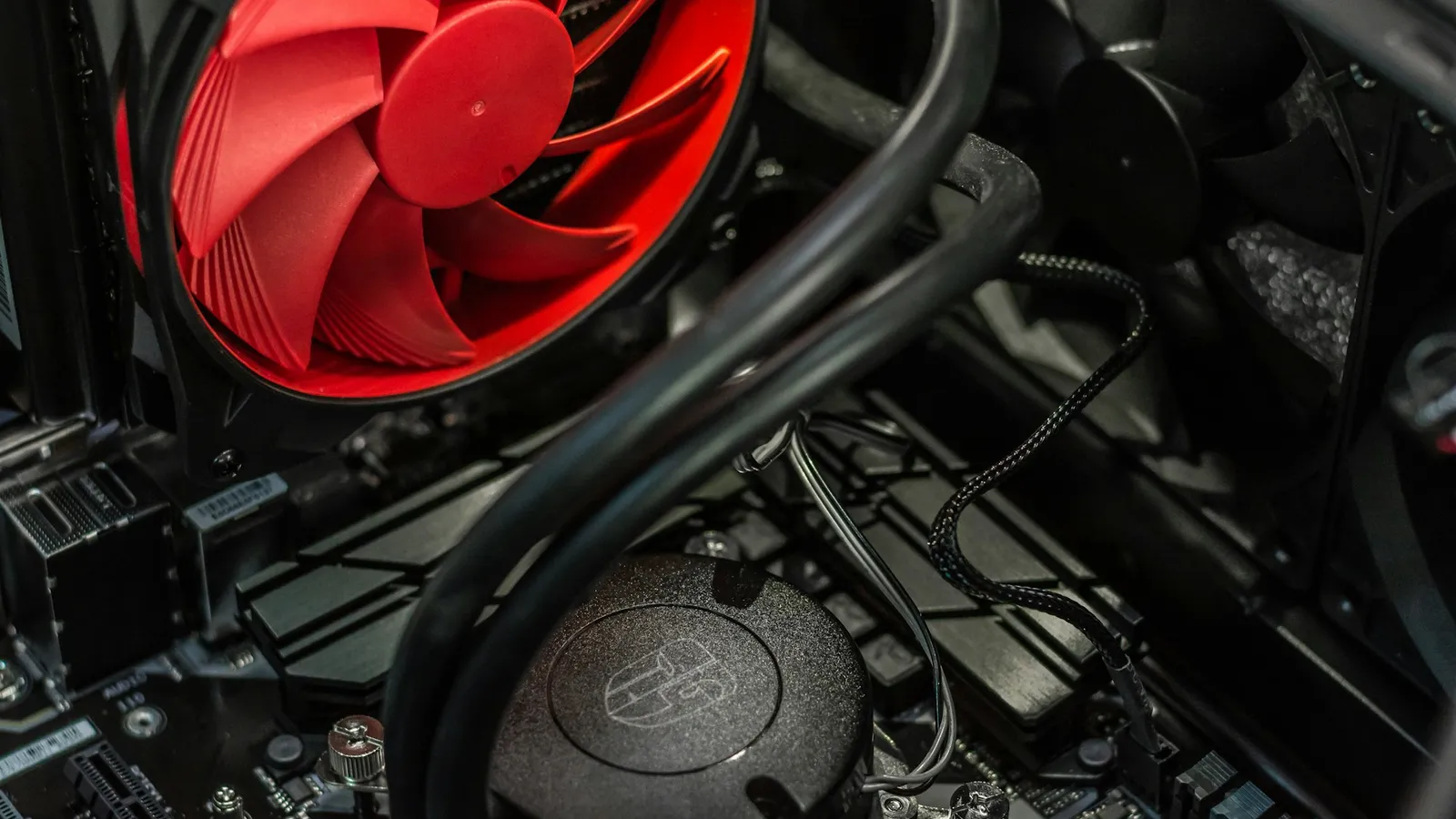
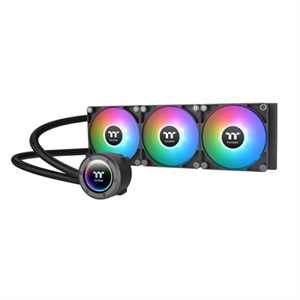
AIOs go the pre-applied route without exception. The Thermaltake TH360 V2 ARGB, for instance, arrives with paste already on the pump block — you mount the block, screw down the radiator, and never touch a tube.
When you actually do need a tube
Buy a separate tube if any of these apply:
- You are reusing a cooler on a new CPU or a new build. The old layer is spent.
- You lifted the cooler to reseat it — even by accident, even for a second. Once the seal breaks, air gets under the paste and temperatures climb.
- The pre-applied paste is old, cracked, or you wiped it off to inspect the base.
- You are moving to a different mount — for example, swapping the AIO from an Intel to an AMD bracket.
The rule that saves people from a hot CPU: never re-clamp a cooler onto used paste. Wipe the die and the cold plate clean with isopropyl alcohol (90%+), let them dry, and lay down a fresh pea-sized dot in the center. That single dot spreads under clamp pressure and matches a careful full spread within a degree, per GamersNexus's application testing — so there is no need to fuss over the pattern.
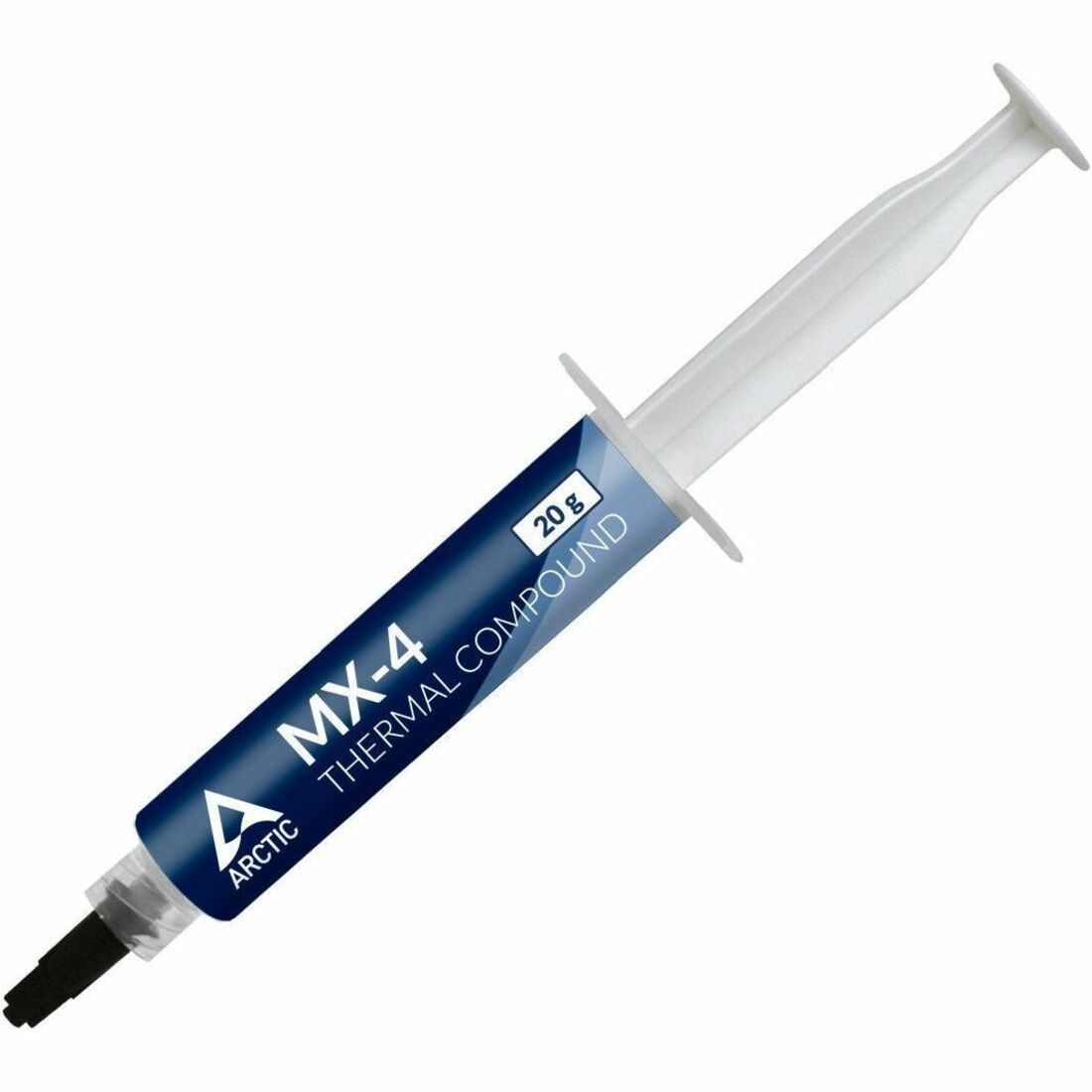
For that job, a non-conductive general-purpose paste is all you need. Arctic MX-4 is the default pick at $19.99 — it is safe if it touches nearby pins, and one tube does a full build plus several remounts.
Does the paste you use change your temperatures?
Barely, and this is where most upgrade money is wasted. Puget Systems tested a field of pastes and found a spread of roughly 6°C between the best and worst performers under load, and about 2°C at idle — and the genuinely bad results came from oddball compounds, not the mainstream names, which landed within a degree or two of each other.
That gap only starts to matter on an unlocked, overclocked chip that is already pushed to the thermal edge. On a locked CPU with a cooler that is sized correctly for it, the paste in the box is not costing you performance. This is the honest version of the answer: paying for premium paste on a stock build buys you a rounding error, not frames per second.
Two things to avoid: no-name "generic" paste that can perform 5°C worse and, in the worst cases, is electrically conductive; and liquid metal, which delivers the largest gains but is conductive, can stain or corrode aluminum, and is genuinely risky to apply near an air cooler's fins. For the vast majority of builds, a mainstream ceramic or metal-oxide paste like MX-4 is the right and final answer.
What to buy, and when
- Building fresh with a new cooler: buy nothing extra. Use what came in the box — an air tower like the Hyper 212 Pro ARGB with its included tube, or any AIO with its pre-applied layer. Plan the whole cooler-and-socket combination in our PC Builder so the mount and clearance are checked before you order.
- Reusing or remounting a cooler: buy one tube of a non-conductive paste. Arctic MX-4 at $19.99 is the safe default and lasts across several jobs.
- Chasing every last degree on an overclock: a top-tier paste is worth a look, but fix airflow and cooler size first — those move temperatures far more than the compound does.
Not sure whether an air cooler or a liquid loop fits your CPU in the first place? Start with air cooler vs AIO, and if you are on AMD's gaming chip, does the Ryzen 7 7800X3D need an AIO settles that one directly.