
Yes. The Ryzen 7 9800X3D is a Socket AM5 processor, and every AM5 chipset — B650 and B650E included — supports it once the board is on a BIOS that adds Ryzen 9000 (Granite Ridge) support. A B650 board runs the 9800X3D at full clocks with no performance penalty versus an X670 or X870. You do not need a premium chipset for this CPU.
The question comes up because AMD launched the Ryzen 9000 X3D parts after many B650 boards were already on shelves, so an older board can ship with a BIOS that predates the chip. That is a firmware gap, not a silicon one: the socket, the power delivery, and the memory support are all there. You update the BIOS once and the chip works.
Does the 9800X3D physically fit a B650 board?
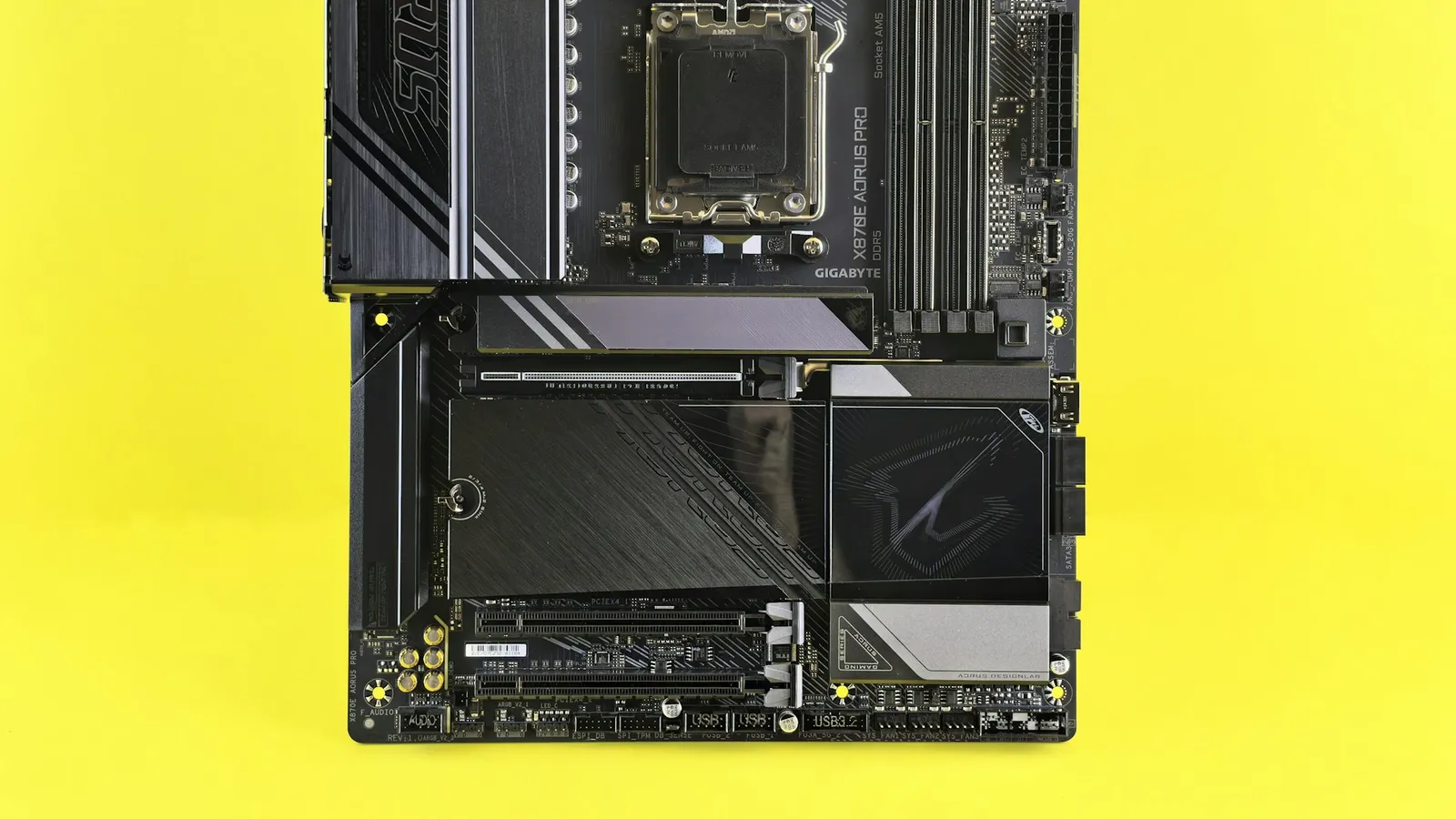
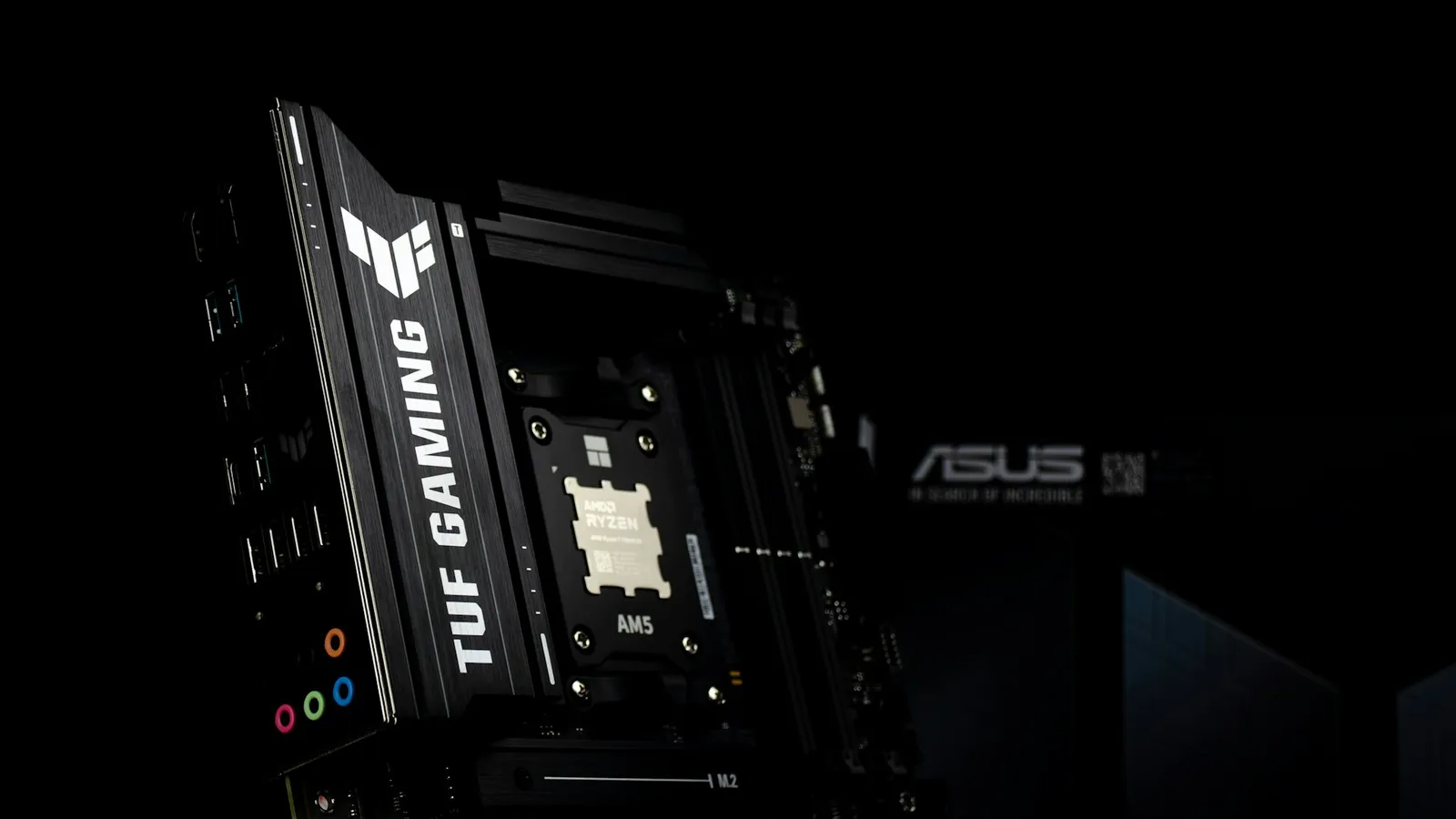
Yes. B650 and B650E are AM5 chipsets, and AM5 is a single physical socket (LGA 1718) shared across the entire 600- and 800-series lineup. The 9800X3D drops into a B650 board exactly as it would into an X870E board — same socket, same cooler mounting, same DDR5 slots.
| AM5 chipset | Fits the 9800X3D? | BIOS update likely needed? |
|---|---|---|
| A620 | Yes | Often — many shipped pre-9000 |
| B650 / B650E | Yes | Sometimes — depends on board age |
| B850 | Yes | Rarely — launched alongside Ryzen 9000 |
| X670 / X670E | Yes | Sometimes |
| X870 / X870E | Yes | Rarely |
Per AMD's specifications, the 9800X3D is an 8-core/16-thread Zen 5 chip with a 4.7 GHz base, 5.2 GHz boost, 96MB of L3 cache, and a 120W default TDP — all of it standard AM5.
The one thing you actually have to check: the BIOS
AGESA is the microcode layer AMD ships to board makers; it is what teaches a motherboard to recognize a new CPU. Ryzen 9000 X3D support arrived in AGESA 1.2.0.2a, and ASRock, MSI, Gigabyte, and ASUS all pushed that update across their 600- and 800-series boards.
Before you buy, open your board's support page and look at the BIOS list. If you see a release that mentions "Ryzen 9000" or AGESA 1.2.0.x, you are set — flash it and install the chip.
If the board is already running an old BIOS and no supported CPU is installed, you use USB BIOS Flashback: copy the BIOS file to a USB stick, plug it into the marked port, and the board flashes itself with no CPU, RAM, or GPU needed. Nearly every AM5 board includes it, which is what makes an older B650 a safe buy for this CPU.
The genuine risk is narrow but real: a budget board with a 2022-era BIOS, no Flashback button, and no newer firmware installed. There, the board cannot POST with a 9800X3D to run the update, so you would need to borrow a Ryzen 7000 chip to flash it first. Check the board's BIOS support page before buying and this never happens.
Does a B650 board hold the 9800X3D back?
No — not for gaming, and not for the CPU's own performance. The 9800X3D is efficient for how fast it is: ~65W in games, an 88W application average on TechPowerUp, and roughly 120–130W package power under an all-core load. A mid-range B650 VRM handles that without throttling.
It is also the first X3D chip that is fully overclockable, and B650 supports Precision Boost Overdrive and Curve Optimizer — the tuning most people actually use on an X3D — so you are not giving up headroom by skipping X670.
Where B650 is genuinely narrower than X670/X870: fewer PCIe 5.0 lanes (some B650 boards run the M.2 or the GPU slot at Gen4), fewer rear USB ports, and usually no USB4. None of that touches frame rates. Buy up the chipset stack only if you specifically need simultaneous Gen5 GPU and Gen5 NVMe lanes, or USB4 — for a pure gaming build, a B650 board leaves the 9800X3D nothing on the table.
One honest caveat on the chip itself, not the board: the 9800X3D's gaming lead over much cheaper AM5 processors is largest at 1080p and shrinks to low single digits at 4K, where the GPU sets the pace. If your reason for choosing B650 is to save money, a cheaper CPU is often the smarter cut than a cheaper board.
What's buyable on AM5 right now
B650 stock has largely sold through, and the current in-stock B-series chipset on AM5 is B850 — the direct successor, which launched alongside Ryzen 9000 and ships with 9800X3D support out of the box, so there's no BIOS hunt at all.
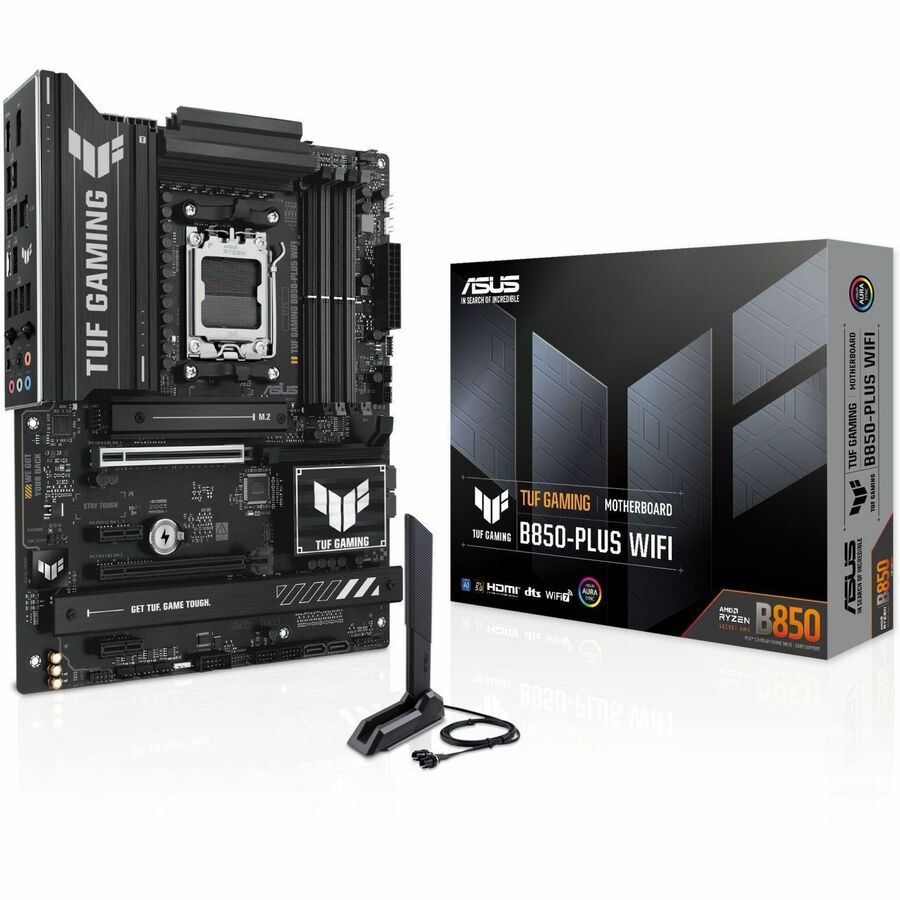
The ASUS TUF B850-Plus WiFi ($286.94) is a clean match for the 9800X3D — AM5, DDR5, and a VRM with plenty of margin for a 120W CPU. If you want stronger power delivery and more Gen5, the ASUS ROG Strix B850-F Gaming WiFi ($354.13) steps that up.
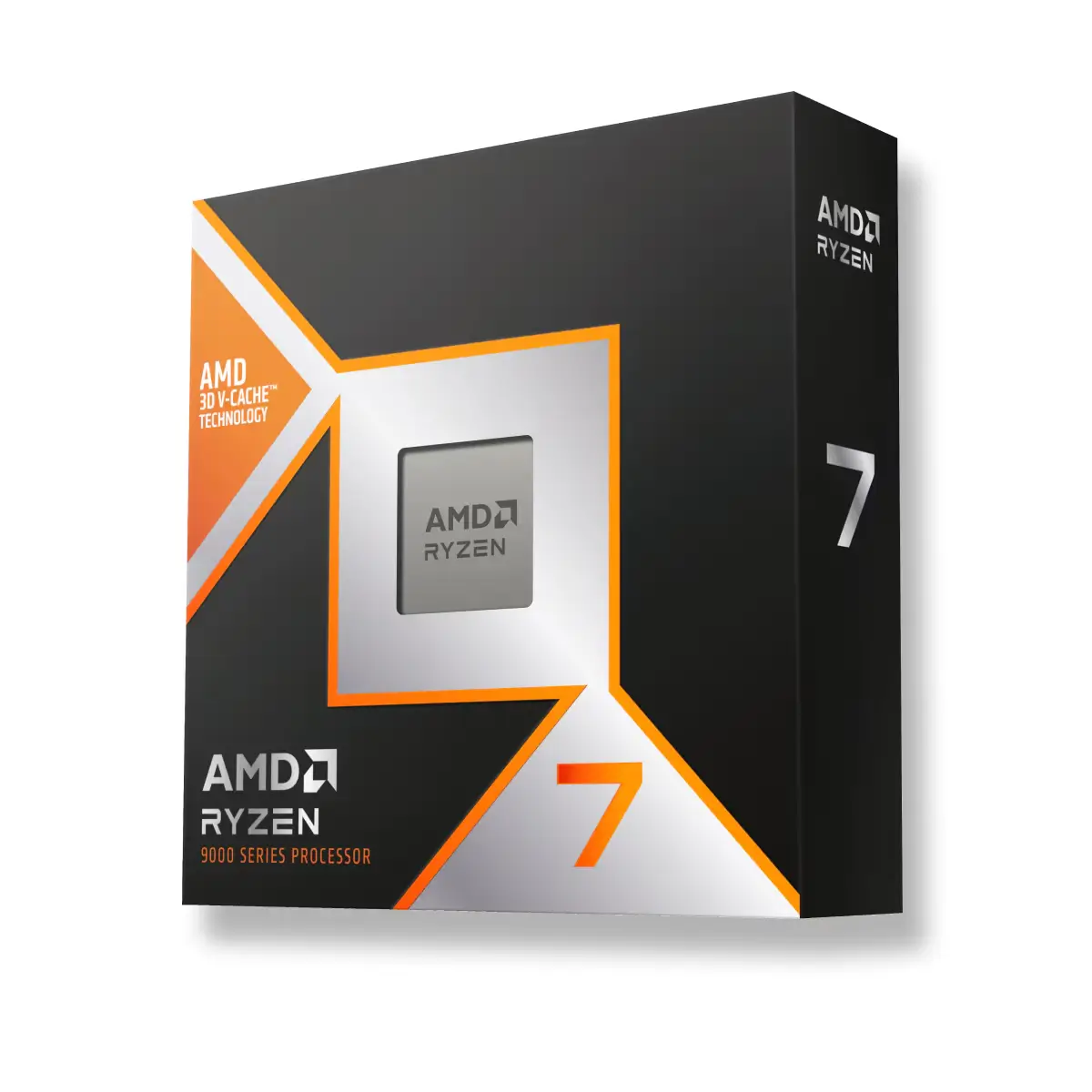
The AMD Ryzen 7 9800X3D is $568.12. If you'd rather not sort out socket and BIOS compatibility yourself, build the configuration in our PC Builder — it checks CPU, chipset, and BIOS support automatically — and for $1 we assemble and test the system before it ships from Florida, so it arrives on a board that already POSTs with the chip. You also earn up to 4% back in TechTokens on the parts.
For the deeper board question, see B650 vs B850 and do you need a new motherboard for Ryzen 9000. If you're weighing the chip itself, Ryzen 7 9800X3D vs 7800X3D covers what the newer X3D actually buys you.