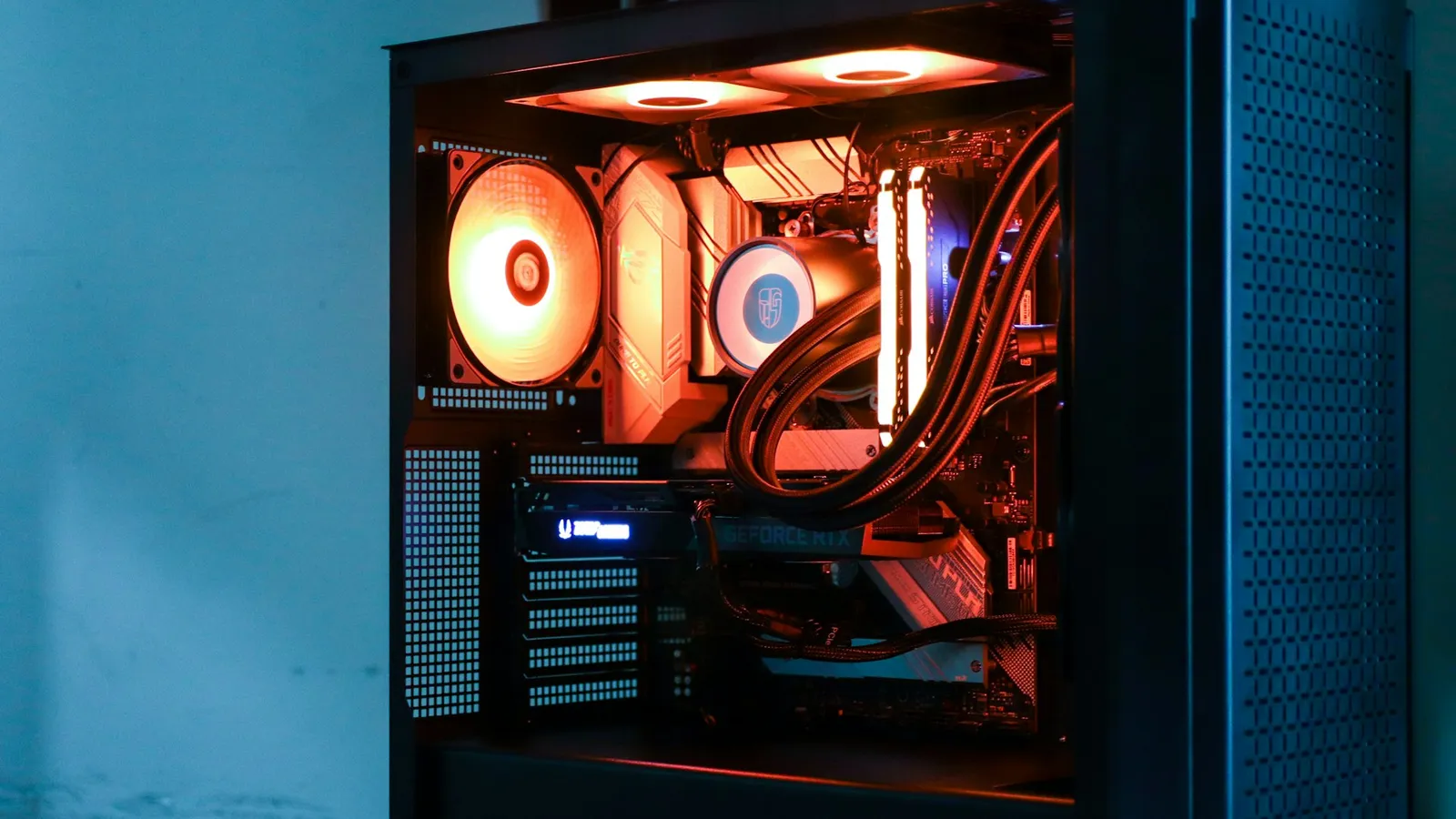

For almost everyone, no — you do not need to buy a separate M.2 heatsink. A PCIe 5.0 drive like the Samsung 9100 PRO genuinely runs hot and will throttle if you leave it completely bare, but nearly every current motherboard already ships with an M.2 heatsink over the primary slot, and that built-in shield is enough to keep the drive at full speed. A PCIe 4.0 drive like the 990 PRO runs cooler still and rarely throttles at all. You only need an aftermarket heatsink in two narrow cases: your board has no M.2 shield, or you do sustained multi-gigabyte writes for hours at a time.
The question comes up because Gen 5 SSD listings now advertise separate "with heatsink" models at a premium, and reviews report the drives hitting alarming temperatures. Both things are true — a bare Gen 5 controller does run near 100°C under load — but the number that decides whether you feel it is not the drive's temperature, it's whether anything is bolted on top of it. On a modern board, something already is.
Why a Gen 5 SSD runs hot in the first place
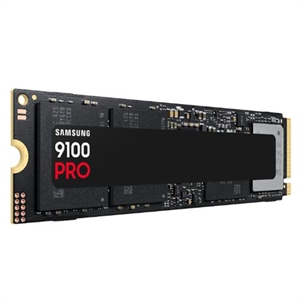
The heat comes from the controller, not the flash. A PCIe 5.0 controller pushes roughly twice the bandwidth of a Gen 4 one — the 9100 PRO is rated around 14,700 MB/s sequential read — and moving data that fast in a chip the size of a fingernail concentrates a lot of power in a tiny area. The NAND flash itself actually prefers to be warm, in the 30–60°C range; it's the controller that spikes toward 80°C and beyond under load.
When the controller crosses its thermal limit, the drive protects itself with a mechanism Samsung calls Dynamic Thermal Guard: it deliberately slows down until it cools off. TechPowerUp caught this on a bare 9100 PRO — sustained writes fell to about 11,000 MB/s once the drive got hot enough. That is the throttling everyone worries about, and it is real. The catch is that it only shows up when the drive has nothing on top of it.
Your motherboard's heatsink is almost certainly enough
Here is the part the "with heatsink" upsell skips: the M.2 heatsink that ships with your board isn't a token piece of trim. On a decent modern board it is a thick aluminum plate with a thermal pad, and it works.
The clearest demonstration is a head-to-head that pit a board's built-in M.2 shield against Samsung's own bolt-on heatsink. NoobFeed found the drive under the motherboard shield never went above 90°C — it sat between 81°C and 83°C under sustained load and did not throttle — while the version with the factory heatsink ran hotter, around 94°C. Their conclusion was blunt: on a board with a big, well-designed heat shield, the 9100 PRO "without a heatsink ran cooler and more consistently than the model with a factory heatsink." You are not missing performance by using the shield that came in the box; in some cases you'd lose a little by swapping it for a compact aftermarket block.
That is why buying the "with heatsink" version of a Gen 5 drive is usually wasted money if your board already has a shield — you can only use one, and they can even physically conflict. Buy the bare drive and use the board's cooler.
Gen 4 drives and gaming: the throttling that mostly isn't there
Step down from Gen 5 and the whole issue fades. A top Gen 4 drive like the 990 PRO runs cool enough that XDA measured it holding peak performance through stress tests with no dedicated heatsink at all. Its controller simply doesn't generate the same heat, so in a case with basic airflow it stays in its happy zone.
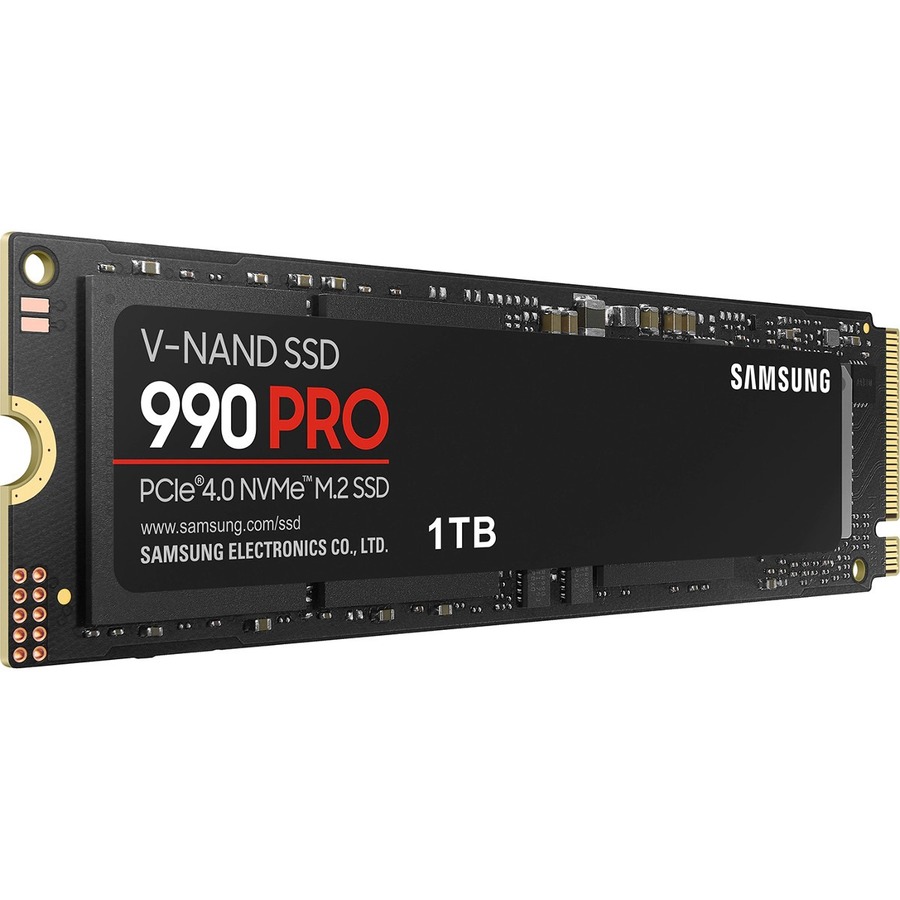
The bigger point is about the workload, not the drive. Thermal throttling needs a sustained transfer — minutes of continuous multi-gigabyte writes — to build up heat. Gaming is the opposite: loading a level is a burst of mostly small reads that's over in seconds, well before the controller warms up. As XDA puts it, most users won't hit throttling in the first place, and gamers least of all. If your reason for wanting a heatsink is "so my games load fast," the heatsink isn't what's doing that — the drive already is.
When a dedicated heatsink actually earns its place
There are real cases for a separate heatsink. Be honest about whether you're in one:
- Your board has no M.2 shield. Budget A620 and H610-class boards, and older boards, sometimes leave the slot bare. If you're putting a Gen 5 drive there, add a heatsink — this is the one setup where a bare Gen 5 drive will throttle.
- You do sustained heavy writes. Video editors dumping hours of footage, people running large database or AI workloads, or anyone writing tens of gigabytes continuously will heat a Gen 5 drive up far past what gaming ever does. Here the cooling keeps speeds flat.
- Your board's shield doesn't make good contact. This is the sneaky one. Tom's Hardware tested 20 boards and found only 6 made full contact between the heatsink and the SSD — often because of a too-thick thermal pad or an uneven mount. If a drive under a shield still throttles, the fix is usually to pull off the protective film on the pad and re-seat it, not to buy anything.
Notice that two of those three are free fixes. The only one that costs money is the board with no shield — and if you're buying a board today, picking one that includes an M.2 heatsink over the primary slot solves it for less than a separate part usually costs. If you're planning a build in our PC Builder, the current AM5 and Intel boards in it ship with M.2 heatsinks over the main slot, so a Gen 5 drive is covered out of the box.
What to actually do
- Buying a Gen 5 SSD for a modern board: get the bare drive, use the motherboard's M.2 heatsink, skip the "with heatsink" tax. You'll run at full speed.
- Buying a Gen 4 SSD: don't think about it. The 990 PRO and drives like it hold peak speed without one; the board shield is a bonus.
- Board with no M.2 shield + a Gen 5 drive: buy a simple aftermarket heatsink, or better, buy a board that includes one.
- Pure gamer, any drive: a heatsink won't make your games load faster, because you were never throttling. Spend the money on capacity instead — a bigger drive you won't have to manage beats a cooler you don't need.
And the honest limit: if you already own a "with heatsink" Gen 5 drive, you did not make a mistake — it works fine, and on a board that lacks a shield it's exactly right. The point isn't that heatsinks are bad; it's that on today's boards you've usually already paid for one. Whether the newer, faster standard is even worth it for gaming is a separate question — we ran those load-time numbers in Samsung 990 PRO vs 9100 PRO and in PCIe 4.0 vs PCIe 5.0 SSDs for gaming.