

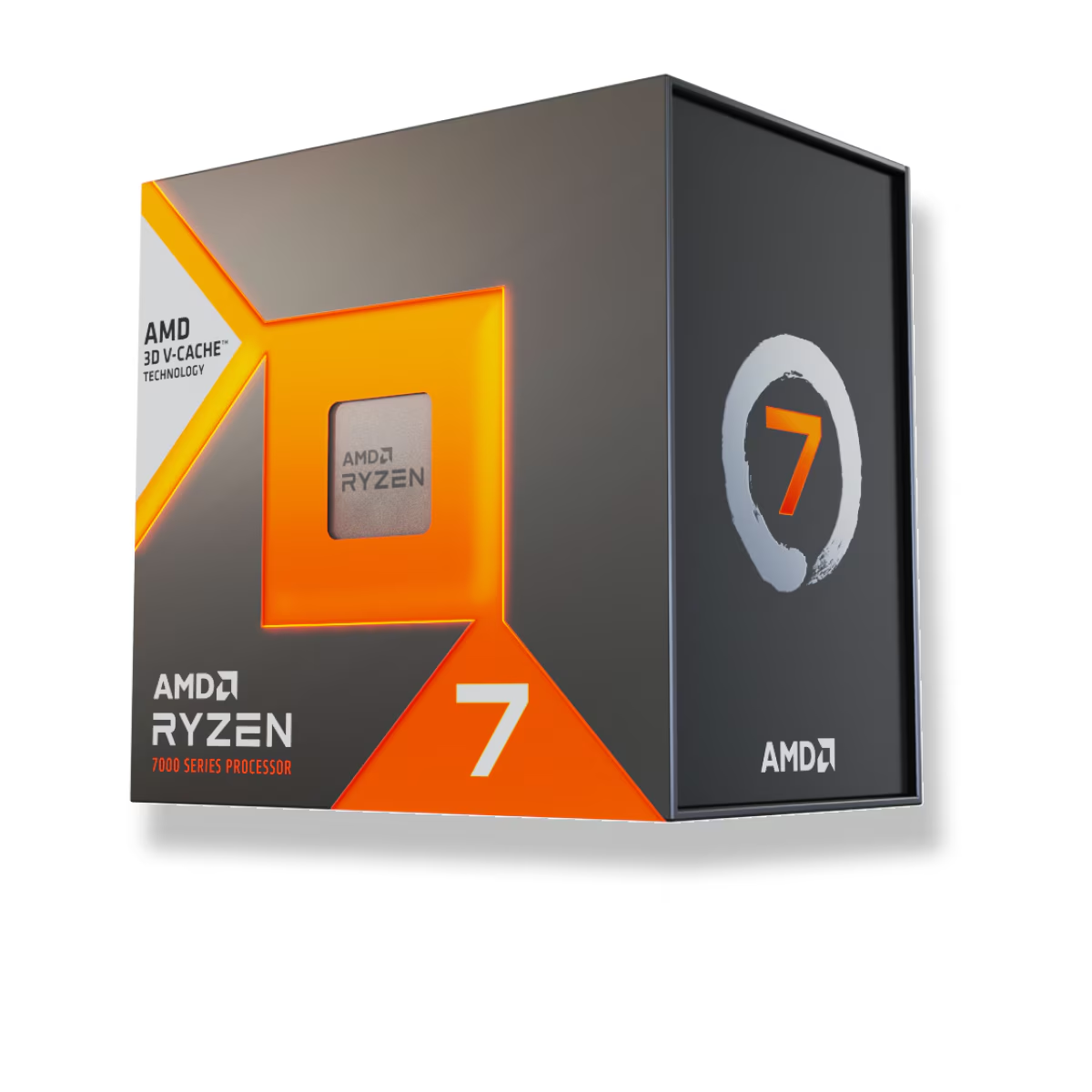
For a build that mostly plays games, buy the Ryzen 7 7800X3D ($409.99), even though the Ryzen 9 7900X ($375.99) has four more cores and costs $34 less. The 7800X3D's stacked 3D V-Cache makes it roughly 12-15% faster at 1080p on a fast GPU (TechPowerUp), because game frame rates track cache and memory latency, not core count. If the machine also renders, compiles, or exports video, flip the answer: the 7900X's 12 cores make it far faster in that work, and it is cheaper on top of that.
This is the comparison that breaks the "more cores is more better" instinct. The 7900X looks like the bigger chip on the box — 12 cores against 8, higher clocks, a heavier 170W power budget. In a spreadsheet or a Blender render, all of that shows up. In a game, almost none of it does. A modern game engine rarely saturates eight cores, so past that point extra cores sit idle while the CPU waits on data. The part that keeps data close to the cores is the L3 cache, and that is exactly where the 7800X3D is oversized.
Gaming performance: cache beats core count
The 7800X3D carries 96 MB of L3 cache against the 7900X's 64 MB, and that gap is the entire reason it wins games. When an engine needs data that is not in cache, it has to fetch it from system RAM, and the cores stall while they wait. A bigger cache means fewer of those stalls, so more frames per second. Core count does not help here, which is why an 8-core chip beats a 12-core one.
In TechPowerUp's 1080p gaming suite on an RTX 4090, the 7800X3D sits at the top of the charts while the 7900X trails the whole X3D line (TechPowerUp). Tom's Hardware reached the same verdict, titling its review around the 7800X3D beating pricier, higher-core CPUs (Tom's Hardware). The size of the win depends heavily on the game: cache-sensitive titles like simulators, strategy games, and MMOs show the biggest gaps, while GPU-heavy or well-optimized titles narrow to low single digits.
One condition matters more than the raw number: these gaps are measured at 1080p with a flagship GPU on purpose, to isolate the CPU. That is not how most people play. Put a mid-range card in the system, or move to 1440p or 4K, and the graphics card becomes the limit long before either CPU does. At that point the 7800X3D and 7900X produce nearly identical frame rates, and the premium stops paying for itself.
Productivity: where the extra cores show up
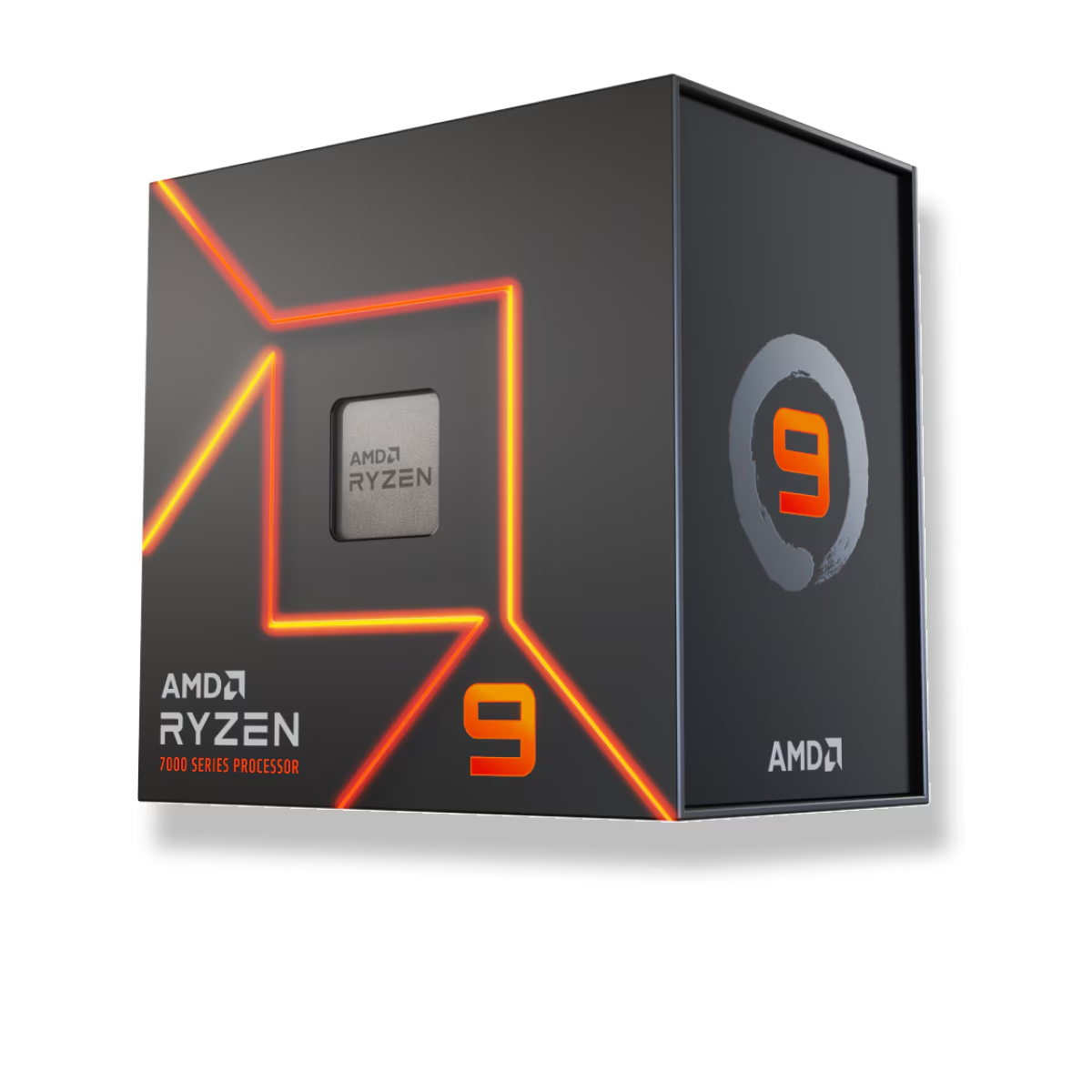
Flip to work that actually uses every thread and the order reverses. The 7900X's 12 cores and 24 threads make it roughly 45-50% faster than the 7800X3D in heavily multi-threaded tasks — Blender renders, video encodes, code compiles, big exports (TechPowerUp). It also clocks higher (up to 5.6 GHz boost versus 5.0 GHz), so it edges ahead in single-threaded and lightly-threaded apps too.
This is the honest catch for the 7800X3D: it is a specialist. To fit the stacked cache and keep it cool, AMD lowered the clocks and locked the chip to PBO tuning only. If your day is half gaming and half content creation, you are paying more for the 7800X3D and getting slower app performance. The cheaper 7900X does that job better.
Power, heat, and the platform they share
The efficiency gap is large and it is the 7800X3D's second real advantage. It averages under 60W during gaming and carries a 120W TDP, so a solid air cooler handles it and the case stays cool and quiet (GamersNexus). The 7900X's 170W TDP pushes toward 200W under an all-core load, which means more heat to move and a stronger cooler on the shopping list.
Everything else about the two chips is identical, which keeps the decision clean. Both are Socket AM5, both run DDR5 only, and both drop into the same B650, X670, or X870 motherboards — so the CPU is the only variable. Because the X3D's giant cache already hides a lot of memory latency, it is also less sensitive to fast RAM than the 7900X; a solid DDR5-6000 CL30 kit is the sweet spot for either, and chasing higher speeds does little (see our DDR5-6000 vs DDR5-8000 comparison). You can spec a full compatible build around either chip in the PC Builder.
| Ryzen 7 7800X3D | Ryzen 9 7900X | |
|---|---|---|
| Cores / threads | 8 / 16 | 12 / 24 |
| L3 cache | 96 MB (3D V-Cache) | 64 MB |
| Boost clock | up to 5.0 GHz | up to 5.6 GHz |
| TDP | 120W | 170W |
| 1080p gaming | ~12-15% faster | baseline |
| Multi-threaded apps | baseline | ~45-50% faster |
| Overclocking | Locked (PBO only) | Fully unlocked |
| Price (TechCortex) | $409.99 | $375.99 |
Who should buy which
- Buy the 7800X3D if the PC is primarily for gaming, especially at 1080p or 1440p with a strong GPU, and you value low power and heat. You are paying $34 more for frames, not for cores.
- Buy the 7900X if you render, edit video, compile, or stream while gaming — or if you game at 4K where the GPU sets the pace and the X3D's advantage disappears. You get more cores, faster app performance, and you spend less.