
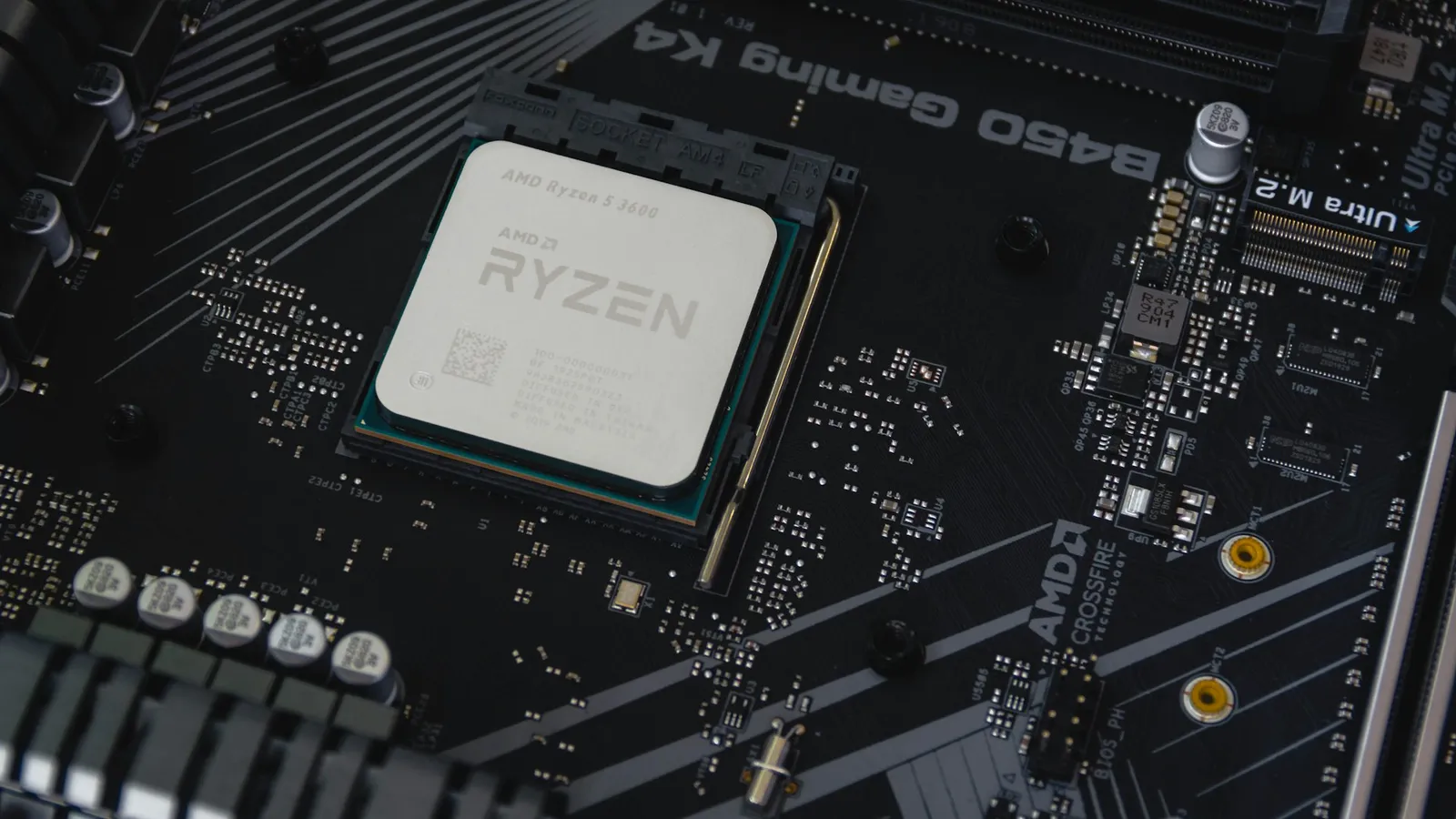
For a PC that mostly plays games, buy the Ryzen 7 7700X ($279.99). The Ryzen 9 7900X ($375.99) has four more cores and clocks slightly higher, but at 1080p the two finish within about 1% of each other (TechSpot), so the extra $96 buys almost no frames. Flip the answer only if the machine also renders, compiles, or streams: there the 7900X's 12 cores make it roughly 45-50% faster, and that threaded work is the single reason to pay more.
This is the comparison that breaks the "more cores means more FPS" instinct. On the box the 7900X looks like the clearly bigger chip — 12 cores against 8, a higher boost clock, twice the L3 cache. In a Blender render or a video export, all of that shows up. In a game, almost none of it does, because a modern game engine rarely keeps more than eight cores busy. Past that point the extra cores sit idle, and frame rate comes down to clock speed and how fast the CPU feeds data to the GPU — where these two chips are nearly identical.
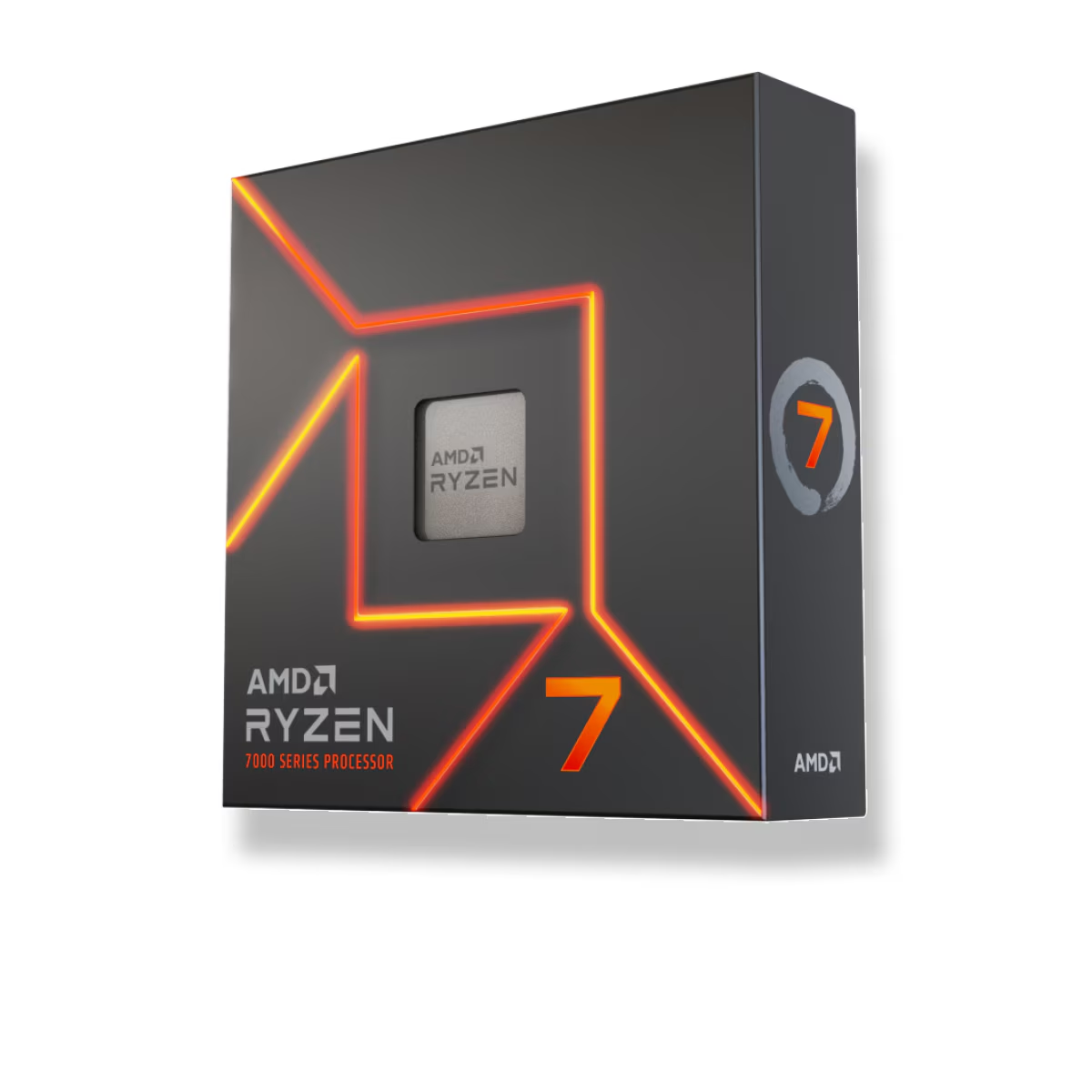
Gaming performance: the extra cores sit idle
Games are limited by how quickly one thread can be fed, not by how many threads exist. Both chips are Zen 4 cores on the same architecture, so their per-core speed is close — the 7900X boosts to 5.6 GHz and the 7700X to 5.4 GHz, a difference that shows up as low single-digit percentages at most. That is why review after review puts them a rounding error apart at 1080p on a fast GPU (TechSpot). TechPowerUp went as far as subtitling its 7700X review "The Best Zen 4 for Gaming," precisely because the cheaper eight-core chip matches its pricier, higher-core siblings in games (TechPowerUp).
There is a subtle reason the 7900X does not pull ahead despite its extra cache. Its 64 MB of L3 is split across two core chiplets (CCDs), while the 7700X's 32 MB sits on a single CCD. When a game's threads land on different chiplets, they pay a latency penalty crossing between them — so the larger cache total does not translate into a gaming lead. Only the stacked cache on an X3D chip changes that math.
One condition matters more than the 1% figure: these gaps are measured at 1080p with a flagship GPU on purpose, to isolate the processor. That is not how most people play. Add a mid-range card, or move to 1440p or 4K, and the graphics card becomes the bottleneck long before either CPU does. At that point the 7700X and 7900X produce the same frame rate, and any reason to spend up on the CPU for gaming disappears entirely.
Productivity: where 12 cores earn their price
Switch to work that uses every thread and the ranking flips hard. The 7900X's 12 cores and 24 threads make it roughly 45-50% faster than the 7700X in heavily multi-threaded tasks — Blender renders, video encodes, code compiles, large exports. In Cinebench R23's multi-core test that lands around 29,000 points for the 7900X against roughly 19,500 for the 7700X, and real rendering workloads scale similarly (TechSpot). This is not a nuance; it is the whole reason the 7900X exists.
That makes the honest case against the 7700X simple: it is the wrong chip if your day is half gaming and half content creation. You would save $96 up front and then lose close to half your throughput every time you render or export. For a creator-plus-gamer, the 7900X is the cheaper option per unit of work done, not the more expensive one.
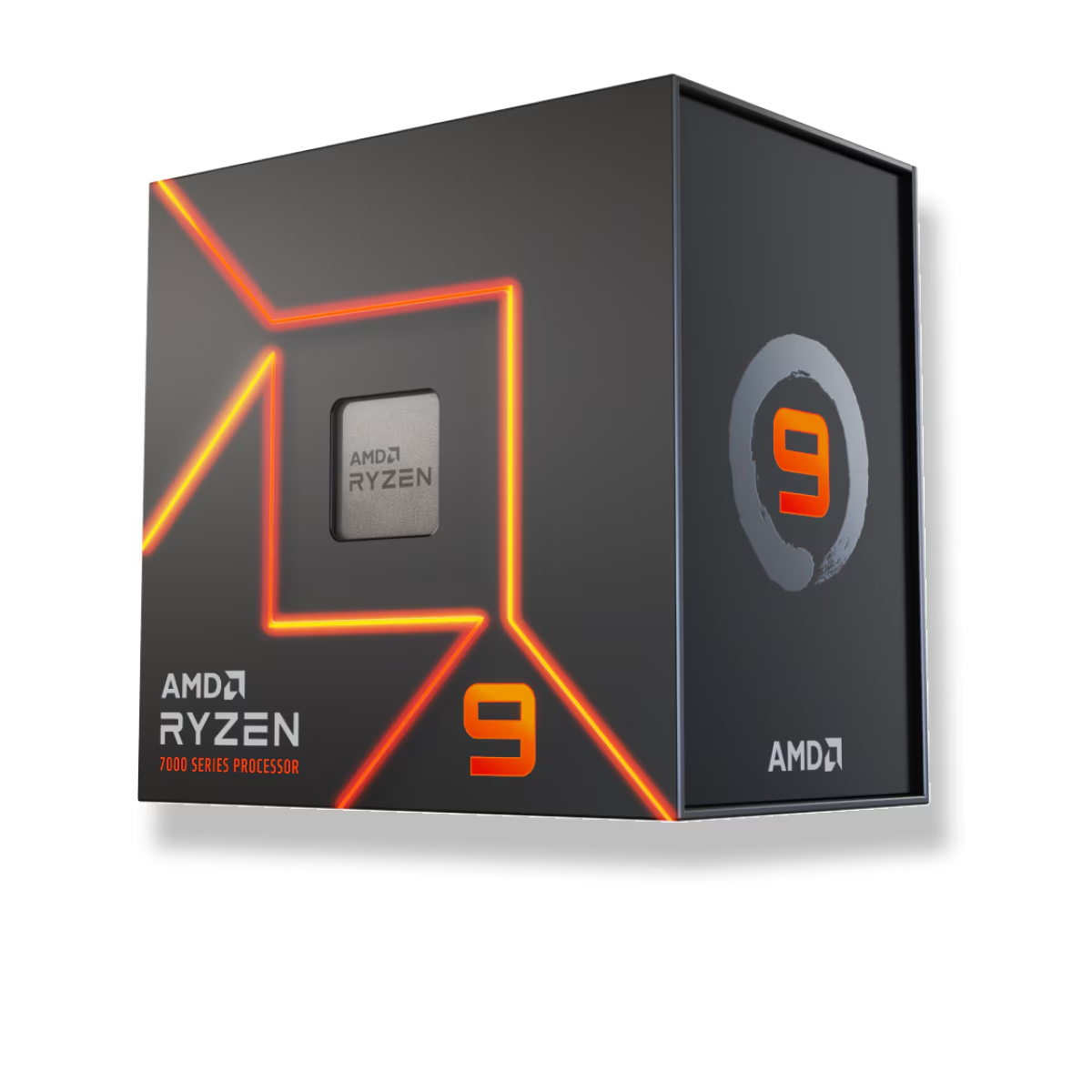
Power, heat, and the platform they share
The efficiency gap is real and it favors the 7700X. It draws about 80W in games and carries a 105W TDP, so a solid air cooler keeps it quiet and the case cool. The 7900X games at around 108W and climbs toward 185-190W under an all-core load against its 170W TDP (TechSpot) — more heat to move, and a stronger cooler on the shopping list. Note that both chips are designed to run at 95°C under sustained load; that is Zen 4 hitting its thermal target on purpose, not a fault.
Everything else about the two is identical, which keeps the decision clean. Both are Socket AM5, both run DDR5 only, and both drop into the same B650, X670, and X870 boards — the CPU is the only variable. Neither is very sensitive to expensive memory, so a DDR5-6000 CL30 kit is the sweet spot for both, and chasing higher speeds does little (see our DDR5-6000 vs DDR5-8000 comparison). You can spec a full compatible build around either chip in the PC Builder.
| Ryzen 7 7700X | Ryzen 9 7900X | |
|---|---|---|
| Cores / threads | 8 / 16 | 12 / 24 |
| Boost clock | up to 5.4 GHz | up to 5.6 GHz |
| L3 cache | 32 MB | 64 MB (2 CCDs) |
| TDP | 105W | 170W |
| 1080p gaming | ~1% behind | baseline |
| Multi-threaded apps | baseline | ~45-50% faster |
| Gaming power draw | ~80W | ~108W |
| Price (TechCortex) | $279.99 | $375.99 |
Who should buy which
- Buy the 7700X if the PC is mainly for gaming, at any resolution. You match the 7900X's frame rates, spend $96 less, run cooler and quieter, and can put that money toward the GPU, where it actually raises FPS.
- Buy the 7900X if you render, edit video, compile, or stream while you game. The 45-50% threaded lead pays for the $96 premium the first week you do real work, and gaming is no worse.
- Consider neither if the machine does nothing but game and you want the fastest possible frames — 3D V-Cache beats both here, at a higher price (see Ryzen 7 7800X3D vs 7700X).